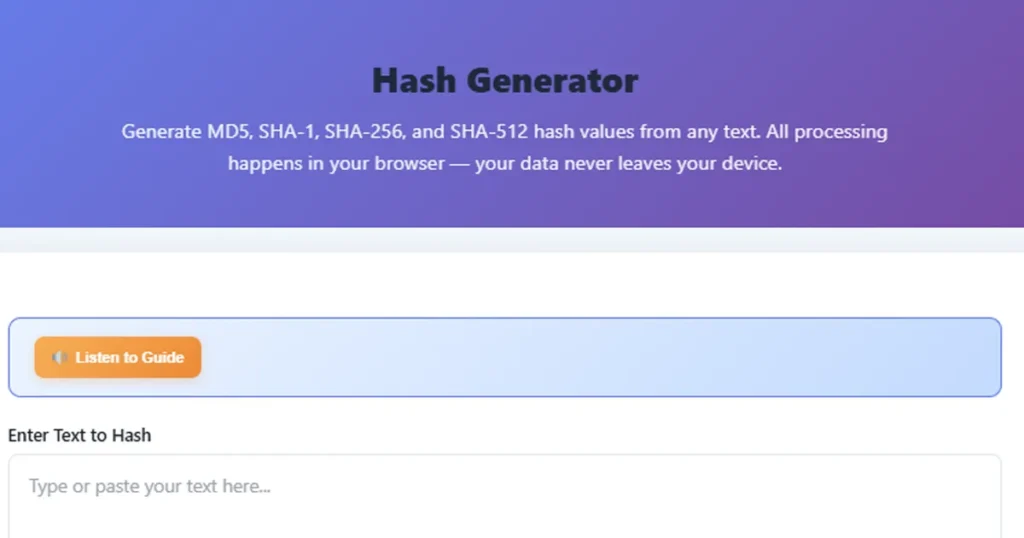
Free Hash Generator - Online MD5, SHA256 Hash Verifier Tool
Our free Hash Generator & Verifier tool creates MD5, SHA-1, SHA-256, and SHA-512 hash values instantly. Generate Hash and Verify Hash securely — all data stays in your browser.
Select Hash Algorithms
Output Format
What is a Hash Generator & Verifier?
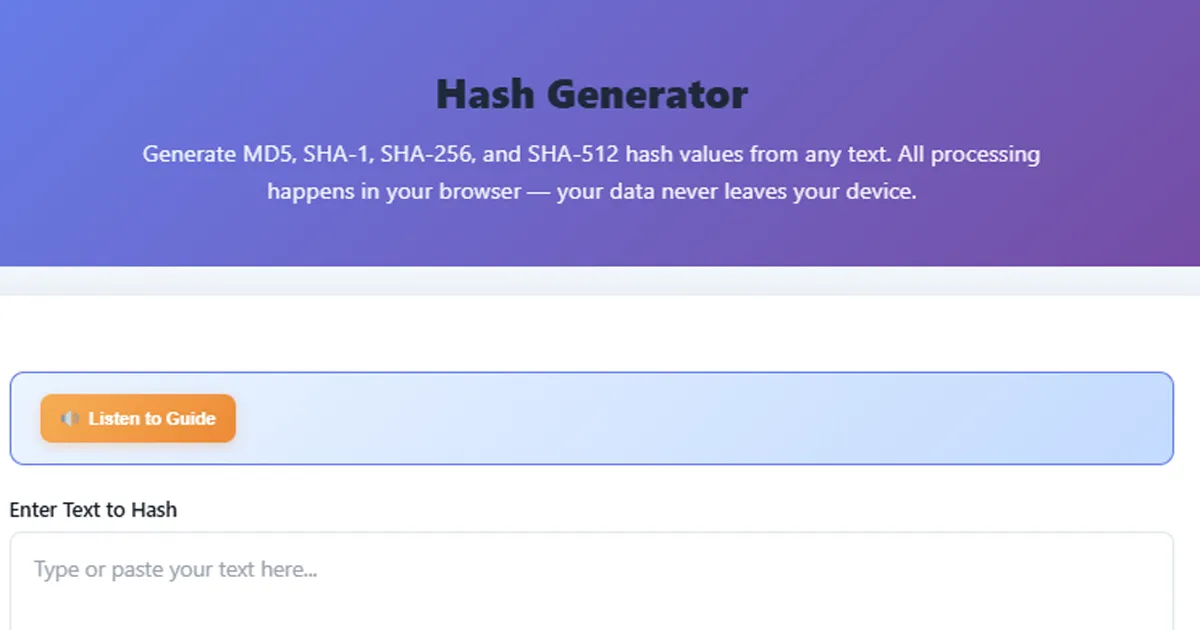
A Hash Generator is a cryptographic tool that takes input data (text or files) and converts it into a fixed-size string of characters, known as a hash value or digest. Our MD5 Hash Generator supports multiple algorithms including MD5, SHA-1, SHA-256, and SHA-512.
Along with generating hashes, our Hash Verifier allows you to compare an existing hash with a new one to ensure data integrity. Whether you need to Generate Hash for password storage or Verify Hash for file integrity checks, this tool has you covered — all processing happens securely in your browser.
How to Generate Hash and Verify Hash?
Using our online Hash Generator & Verifier is incredibly simple. Follow these steps:
- Enter Your Text — Type or paste the text you want to hash into the input textarea.
- Select Hash Algorithm — Choose one or more hash algorithms from MD5, SHA-1, SHA-256, or SHA-512.
- Choose Output Format — Select whether you want the hash output in hexadecimal (lowercase or uppercase) or Base64 format.
- Generate Hash — Click the Generate Hash button to compute hash values instantly.
- Copy & Verify Hash — Click the copy button to copy your hash. To verify, paste the original hash and compare it with the newly generated one.
Benefits of Using Hash Generator Online
- 100% Free & Secure — No hidden charges, no signup required, and no data leaves your browser.
- Multiple Algorithms — Supports MD5, SHA-1, SHA-256, and SHA-512 hash algorithms.
- Fast & Accurate Results — Uses native Web Crypto API for instant hash generation.
- Works as Hash Verifier — Easily verify hash values to check data integrity.
- Multi-Device Support — Works flawlessly on Mobile, Tablet, and Desktop.
- Unicode Support — Hash any text in any language including Hindi, Arabic, and Japanese.
Supported Cryptographic Algorithms
Our Hash Generator & Verifier tool acts as a comprehensive solution, supporting multiple hashing algorithms to keep your data secure:
- MD5 Hash Generator: Widely used for checksums, cache keys, and basic verification (128-bit output).
- SHA-1: Commonly used in legacy security applications and protocols (160-bit output).
- SHA-256: A highly secure standard used in modern encryption, SSL certificates, and blockchain (256-bit output).
- SHA-512: Provides the highest security margin for critical applications (512-bit output).
Key Features
Multiple Algorithms
Generate hashes using MD5, SHA-1, SHA-256, and SHA-512 algorithms all at once or individually.
100% Client-Side
All hash computation happens in your browser using the Web Crypto API. Zero data is ever sent to any server.
One-Click Copy
Copy any hash result to your clipboard instantly. Each algorithm result has its own dedicated copy button.
Multiple Output Formats
Get your hash in lowercase hex, uppercase hex, or Base64 format depending on your specific use case.
Instant Computation
Leverages the native Web Crypto API for blazing-fast hash generation even with large text inputs.
Unicode Support
Hash any text in any language — Hindi, Arabic, Japanese, emoji, and every Unicode character is fully supported.
How Hash Functions Work
A cryptographic hash function takes input data of any length and produces a fixed-size output called a hash value, digest, or checksum. The process is deterministic — the same input always produces the same hash — but it is a one-way function, meaning you cannot recover the original input from the hash.
Hash Function Principle:
H(message) → fixed-length digestKey Properties:
1. Deterministic: Same input → same hash, always
2. Fixed output: MD5=128bit, SHA-1=160bit, SHA-256=256bit, SHA-512=512bit
3. Avalanche effect: Tiny input change → completely different hash
4. One-way: Cannot reverse hash to get original input
5. Collision resistant: Infeasible to find two inputs with same hash (for secure algorithms)
MD5 produces a 128-bit (32 hex character) hash. It is fast but cryptographically broken — practical collision attacks exist. Use only for checksums and non-security purposes.
SHA-1 produces a 160-bit (40 hex character) hash. Also considered weak after Google demonstrated a practical collision (SHAttered attack, 2017). Deprecated for security use.
SHA-256 produces a 256-bit (64 hex character) hash. Part of the SHA-2 family, it is currently the industry standard for security applications including Bitcoin, SSL certificates, and password hashing.
SHA-512 produces a 512-bit (128 hex character) hash. Offers higher security margin than SHA-256 and can actually be faster on 64-bit processors due to native 64-bit arithmetic operations.
Practical Examples
🇮🇳 Ravi — Mumbai, India
Ravi is a backend developer verifying file integrity after downloading a software package. He uses our Hash Verifier to compare the downloaded file's hash against the published SHA-256 checksum.
Input: hello world
SHA-256 Result:
b94d27b9934d3e08a52e52d7da7dabfac484efe37a5380ee9088f7ace2efcde9
🇮🇳 Ananya — Hyderabad, India
Ananya needs to Generate Hash for a cache key using our MD5 Hash Generator. She wants to create a short, unique identifier for API response caching in Redis.
Input: user:1234:profile:v2
MD5 Result:
a7e70a4b3c7e12b96a1fcd50e8c1c6d4
🇩🇪 Klaus — Berlin, Germany
Klaus is implementing HMAC-based authentication for a REST API. He first needs to verify that his SHA-512 implementation produces correct hash values before building the HMAC layer.
Input: API authentication test
SHA-512 Result:
3a4f1e2b8c9d0e7f6a5b4c3d2e1f0a9b8c7d6e5f4a3b2c1d0e9f8a7b6c5d4e3f2a1b0c9d8e7f6a5b4c3d2e1f0a9b8c7d6e5f4a3b2c1d0e9f8a7b6c5d4e
🇯🇵 Yuki — Tokyo, Japan
Yuki is testing that her application correctly handles Unicode text hashing. She hashes Japanese text to verify consistent results across different environments.
Input: こんにちは
SHA-256 Result:
Computed instantly with full Unicode support via UTF-8 encoding
What is a Hash Generator and Why Do You Need One?
A Hash Generator is a tool that computes cryptographic hash values from input text. Hash functions are fundamental building blocks of modern computing — they power password storage, digital signatures, data integrity verification, blockchain technology, and countless other security mechanisms.
Developers use our Hash Generator & Verifier daily for tasks like verifying file downloads, creating cache keys with the MD5 Hash Generator, generating unique identifiers, testing cryptographic implementations, and debugging authentication systems. Even non-developers benefit from a Hash Verifier when verifying software integrity.
The key distinction is between secure and insecure hash algorithms. MD5 and SHA-1, while still widely used for non-security purposes, should never be used for password hashing or digital signatures. SHA-256 and SHA-512 remain the recommended choices when you need to Generate Hash or Verify Hash for security use cases.
Hash Generation in Multiple Languages
📖 Want a comprehensive guide on hash functions, algorithms, and security best practices?
Read Our Complete Hash Generator Guide →Frequently Asked Questions
Is this Hash Generator tool free to use?
What is a hash function?
Which hash algorithm should I use?
Can I reverse a hash to get the original text?
Is my data safe when using this tool?
Can I verify a hash with this tool?
What is the difference between MD5 and SHA-256?
Can two different inputs produce the same hash?
What is the difference between hex and Base64 output?
Why does MD5 show a warning?
Can I hash files with this tool?
Recommended Hosting
Hostinger
If you are building a website for your tools, blog, or store, reliable hosting matters for speed and uptime. Hostinger is a popular option used worldwide.
Visit Hostinger →Disclosure: This is a sponsored link.
Contact Us